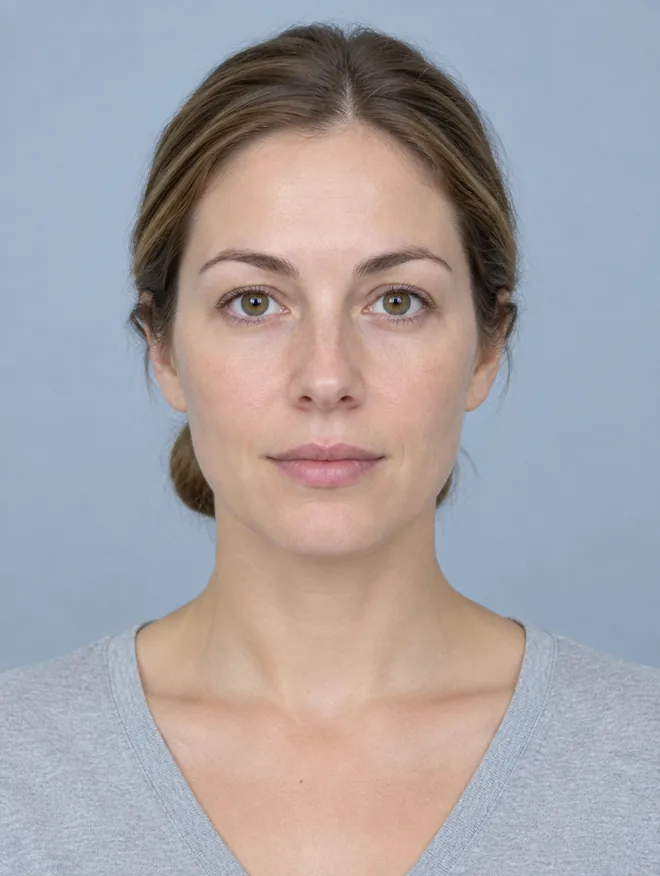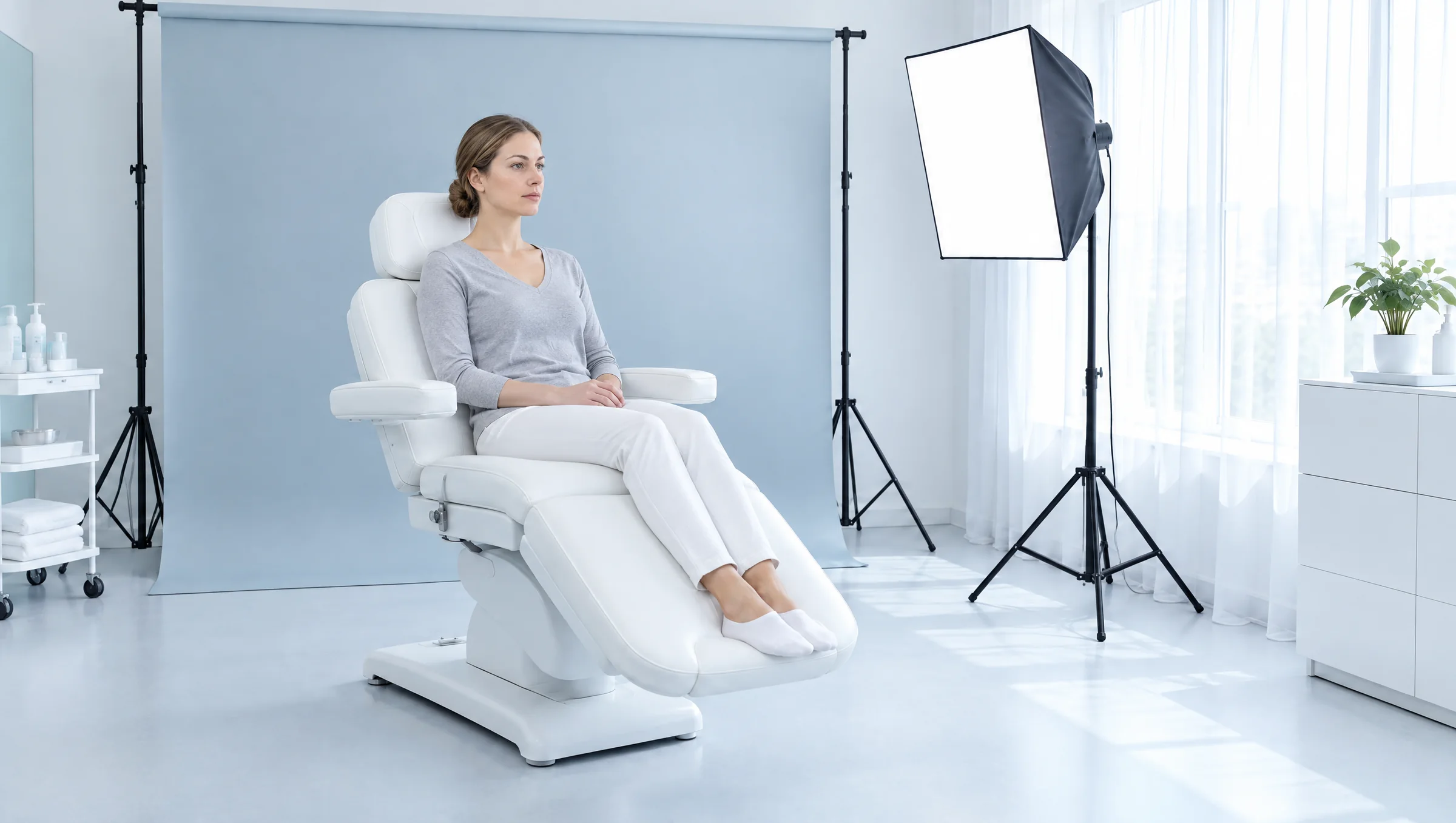
A bright aesthetics treatment room: a patient seated in a white chair in front of a pale blue photography backdrop, a softbox and a window
FOR AESTHETICS PRACTICES · IPHONE + IPAD · iOS 17

The same view.
Every visit.
On your device.

Aesthetic Photo Pro guides each patient photo into the same frame, starts a matching return visit, and compares the two with synced zoom. Originals stay untouched, on your iPhone or iPad, never in a cloud of ours.

14-DAY FREE TRIAL FOR ELIGIBLE NEW SUBSCRIBERS · NO CLOUD ACCOUNT · APP STORE RELEASE IN PREPARATION
A provider in light blue scrubs seen over the shoulder, holding up an iPhone running Aesthetic Photo Pro
FIT 0% GUIDE
FRONT
SAVED LOCALLY ✓
FACE · 5 VIEWS · 0/5
FrontOblique RProfile ROblique LProfile L
SERIES COMPLETE · 5/5

Five views, saved on this device.

Next time, start a matching return visit.

FIT 0%
DRAG ANYWHERE · FIT HER FACE IN THE GUIDE
← DRAG TO FRAME · TAP THE SHUTTER
THE PROBLEM

Your results are real. Your photos hide them.

A few degrees of head turn, a step closer, warmer light at the follow-up: a good outcome reads as nothing, or as the wrong thing. Positioning, distance and light are the usual reasons a before and after misleads. Training every staff member to shoot like a photographer doesn't scale. A guide on the screen does.

FREE-HAND
7° tilt
22% closer, warmer
GUIDED
SAME FRAME
SAME FRAME
HOW IT WORKS

A simple rhythm. A complete photo record.

Open a patient, capture the baseline series with a guide for every view, then come back and capture the matching set. The compare screen does the rest.

01 · START A PATIENT
Patients+
AR
A. Rivera
REF 0412 · 2 VISITS
RETURN DUE
JM
J. Marsh
REF 0398 · 1 VISIT
BASELINE
TK
T. Kim
REF 0377 · 3 VISITS
COMPARE
SD
S. Diaz
REF 0351 · 2 VISITS
COMPARE
New baseline visit
CONFIRM IDENTITY + PHOTO PERMISSION
PATIENTSCAPTUREPRACTICE
A RECORD, NOT A CAMERA ROLLCreate the patient, add an optional clinic reference, confirm identity and photography permission, then open a baseline visit.
02 · FOLLOW THE GUIDE
IN FRAMEGUIDE
RIGHT OBLIQUE · 2/5
FrontOblique RProfile ROblique L
EVERY VIEW, THE SAME WAYEach view in the series shows its own still-photo guidance. Capture, wait for "Saved locally", move to the next view. Or import the photos you already have.
03 · RETURN AND COMPARE
CompareFRONT
Side by sideReveal
BASELINE
RETURN
Zoom + panSynced
OriginalsUnretouched
StoredThis device
PATIENTSCOMPAREPRACTICE
ZOOM ONE, ZOOM BOTHStart a matching return visit, capture the same views, then review side by side or with a reveal slider. Pinch and pan move both photos together.

SCREENS ABOVE ARE INTERFACE ILLUSTRATIONS. FINAL SCREENS MAY DIFFER.

COMPARE

Two visits, one frame, one pair of eyes.

Drag the line to reveal, or switch to side by side and zoom: both photos move together, so the detail you are looking at stays in the same spot on both sides.

BASELINEFRONT · VISIT 1
RETURNFRONT · VISIT 2
BASELINEFRONT · VISIT 1
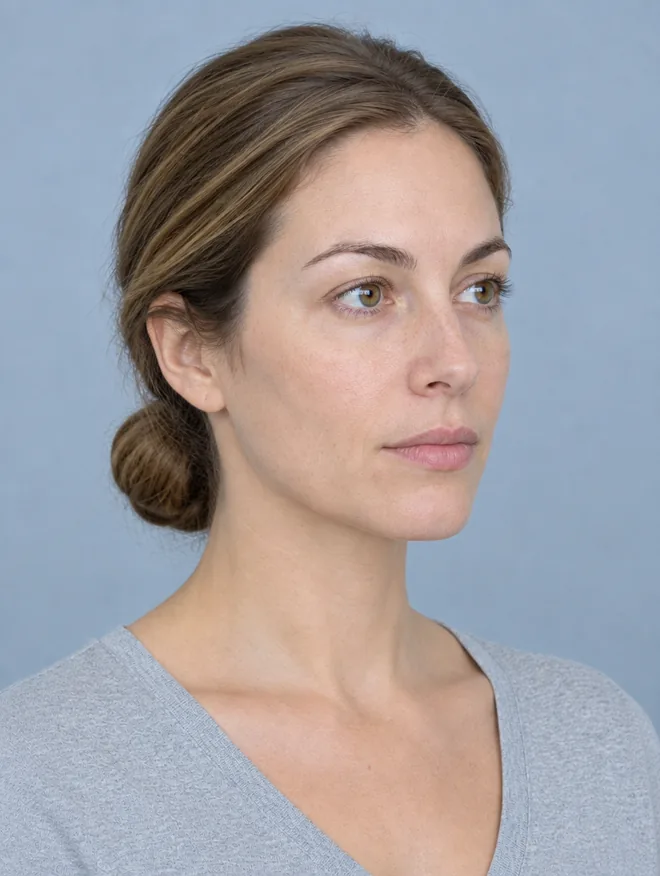
ONE PHOTOGRAPH OF A MODEL, SHOWN TWICE. TURN THE GUIDE OFF AND THE RIGHT SIDE IS DELIBERATELY MISFRAMED AND RE-LIT TO SHOW WHAT A FREE-HAND RETURN VISIT LOOKS LIKE. NOT A TREATMENT RESULT.
BUILT FOR ONE CLINIC DEVICE

Open a patient, follow the series, shoot. Then get your records out whenever you like.

VISITS

Baseline, then matching returns

Every photo files under a patient and a visit. Start a matching return visit from the baseline and the app asks for the same views in the same order.

FrontOblique RProfile ROblique LProfile L
IMPORT

Bring the befores you already have

Pick JPEG, HEIC or PNG photos from the system picker. The app only ever sees the images you choose.

DEVICE LOCK

Locks when you walk away

Face ID, Touch ID or your device passcode protects the workspace, and the app locks itself when it goes to the background. Apple handles the authentication; the app never sees your biometrics.

SAVED LOCALLY

You see it save

Every capture confirms "Saved locally" before you move on. If a save ever fails, the original stays on the capture screen for a retry instead of disappearing.

EXPORT

Your records, in open files

Export all records as one archive: original photos, a records file, a patient list and a hash manifest. Reading and exporting stay available after a subscription ends. No exit fee, ever.

iPAD TOO

On the stand or in the hand

One app for iPhone and iPad on iOS 17 or later, so the room's tablet on a stand and the injector's phone both shoot the same series.

MADE IN A TREATMENT ROOM, NOT A PITCH DECK

Built and tested inside a working aesthetics practice.

Designed with a physician and a PA who shoot befores and afters every day. The same chair, the same backdrop, the same light, and now the same frame, whoever is holding the phone.

LOCAL BY DESIGN

Your photos. On your device.

No Aesthetic Photo Pro account, no cloud service, no server copy of your library. Patient names, visits, photographs and history live in the app's protected storage and are excluded from automatic iCloud backup. The only time a photo leaves the device is when you export it, on purpose.

NO CLOUDWe don't operate a server that ever sees a photo.
NO ACCOUNTNothing to sign up for. Apple handles the subscription.
NO ANALYTICSNo advertising, no cross-app tracking, no third-party analytics SDK.
DEVICE LOCKFace ID, Touch ID or passcode, and the app locks in the background.
records-2026-09-16.tar
├ originals/  JPEG · HEIC
├ records.json
├ patients.csv
└ manifest.sha256

Local storage needs a separate copy.

This release has no cloud sync and no automatic backup. Losing the device or deleting the app can lose unexported records, so export regularly to a secure destination your practice approves. The archive is plain, open files you can read on any computer. It stays available after your subscription ends.

Read the export and recovery guide →

WHAT'S IN THIS RELEASE

One focused workspace. Nothing hidden in the fine print.

INCLUDED

  • Local patient and visit records
  • Guided still-photo capture for every view in a series
  • JPEG, HEIC and PNG import
  • Matching return visits
  • Side-by-side and reveal comparisons with synced zoom and pan
  • Original-record archive export, available after subscription ends
  • Device lock with Face ID, Touch ID or passcode

NOT IN THIS RELEASE

  • Cloud sync or automatic backup
  • Team accounts
  • Patient photo links or messaging
  • Signed consent forms
  • Treatment annotations
  • Branded or video output
  • One-tap archive re-import
PLANNED U.S. PRICING

No demo call. No contract. No $210 a month.

$29PER MONTH · ONE DEVICE WORKSPACE
14-DAY FREE TRIAL FOR ELIGIBLE NEW SUBSCRIBERS
  • Patient and visit organization
  • Guided still photos, every view
  • Photo import
  • Matching return visits
  • Side by side and reveal, synced zoom
  • Original-record export
  • Device lock
  • iPhone and iPad
AT LAUNCH, SUBSCRIPTIONS ARE BILLED THROUGH APPLE AND RENEW AUTOMATICALLY UNLESS CANCELED. THE APP STORE SHOWS YOUR FINAL LOCAL PRICE AND TRIAL ELIGIBILITY. READING AND EXPORTING YOUR RECORDS STAYS AVAILABLE AFTER A SUBSCRIPTION ENDS.
LAUNCH NOTICE

Be first to know when it's on the App Store.

Aesthetic Photo Pro is in its final preparation for the App Store. Leave your details and we'll send one message when it goes live. Nothing else, no list to be sold.